Descripción
- Source code on GitHub
- Demo on site
- Donate sats or contribute from https://VEINTIUNO.btc.pub/participa/#patrocinador
Contributing
Bitcoin Price Converter is an open-source project, and we welcome contributions from the community. You can find the plugin’s source code on GitHub.
Table of Contents
Features
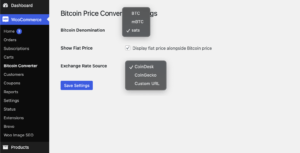
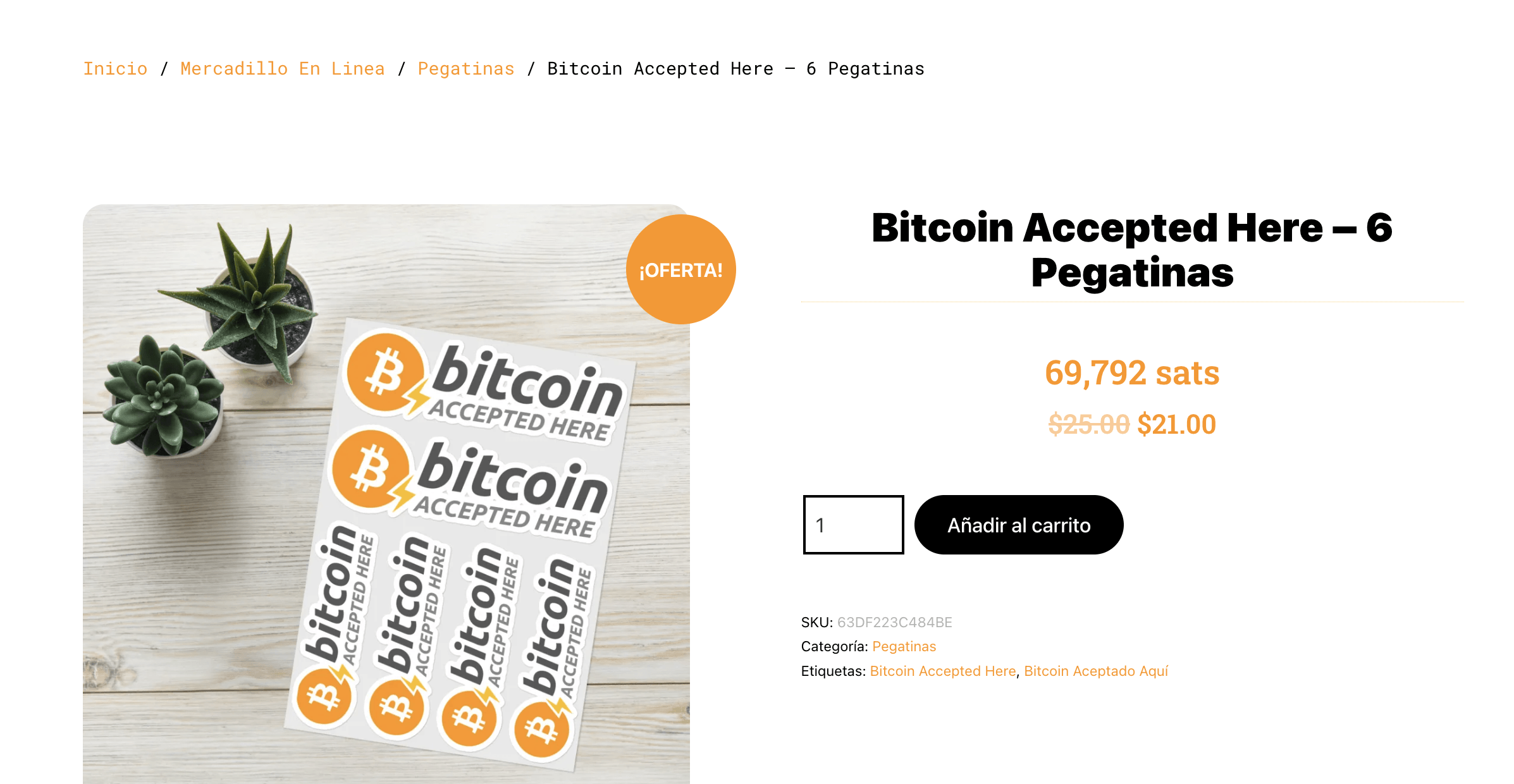
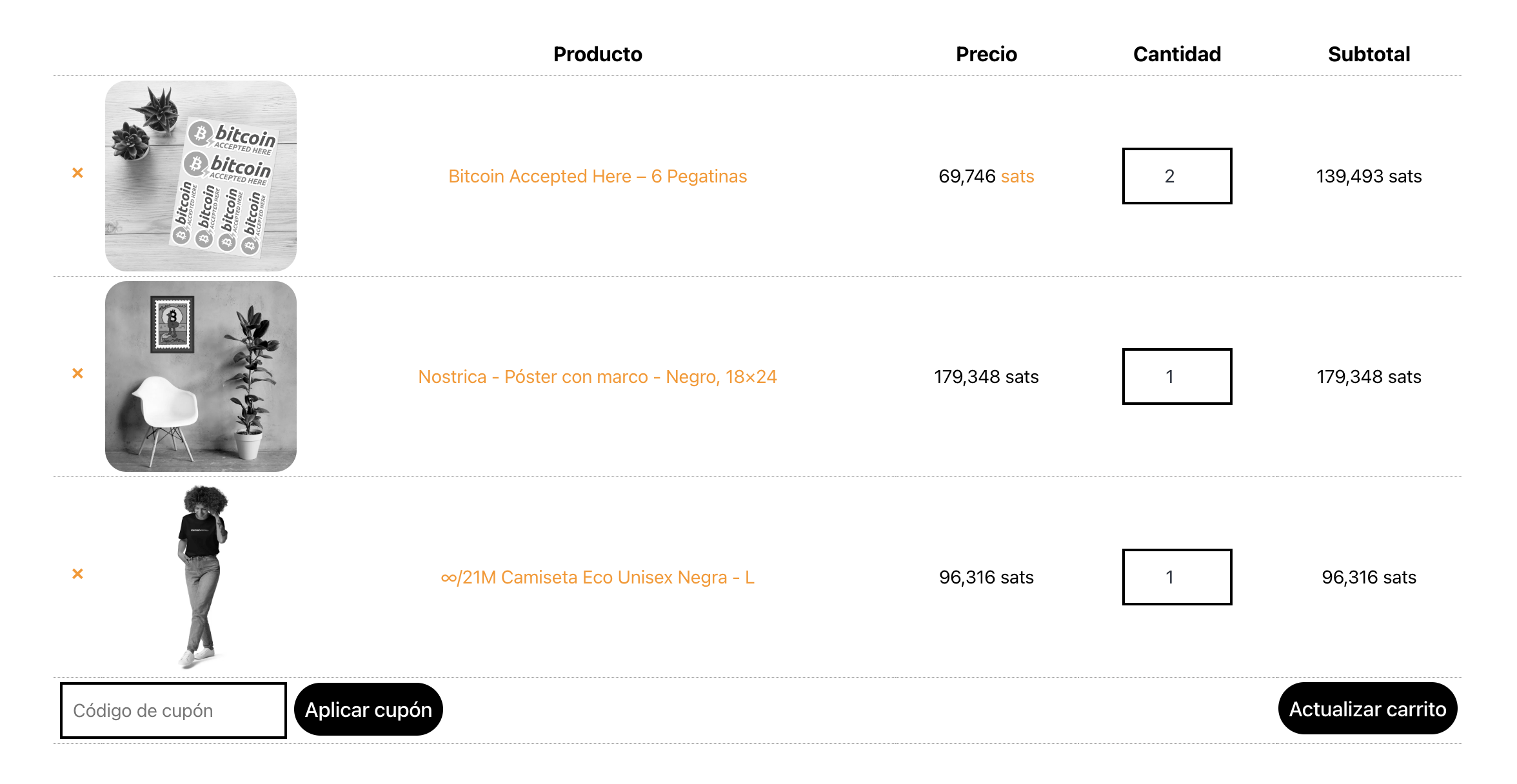
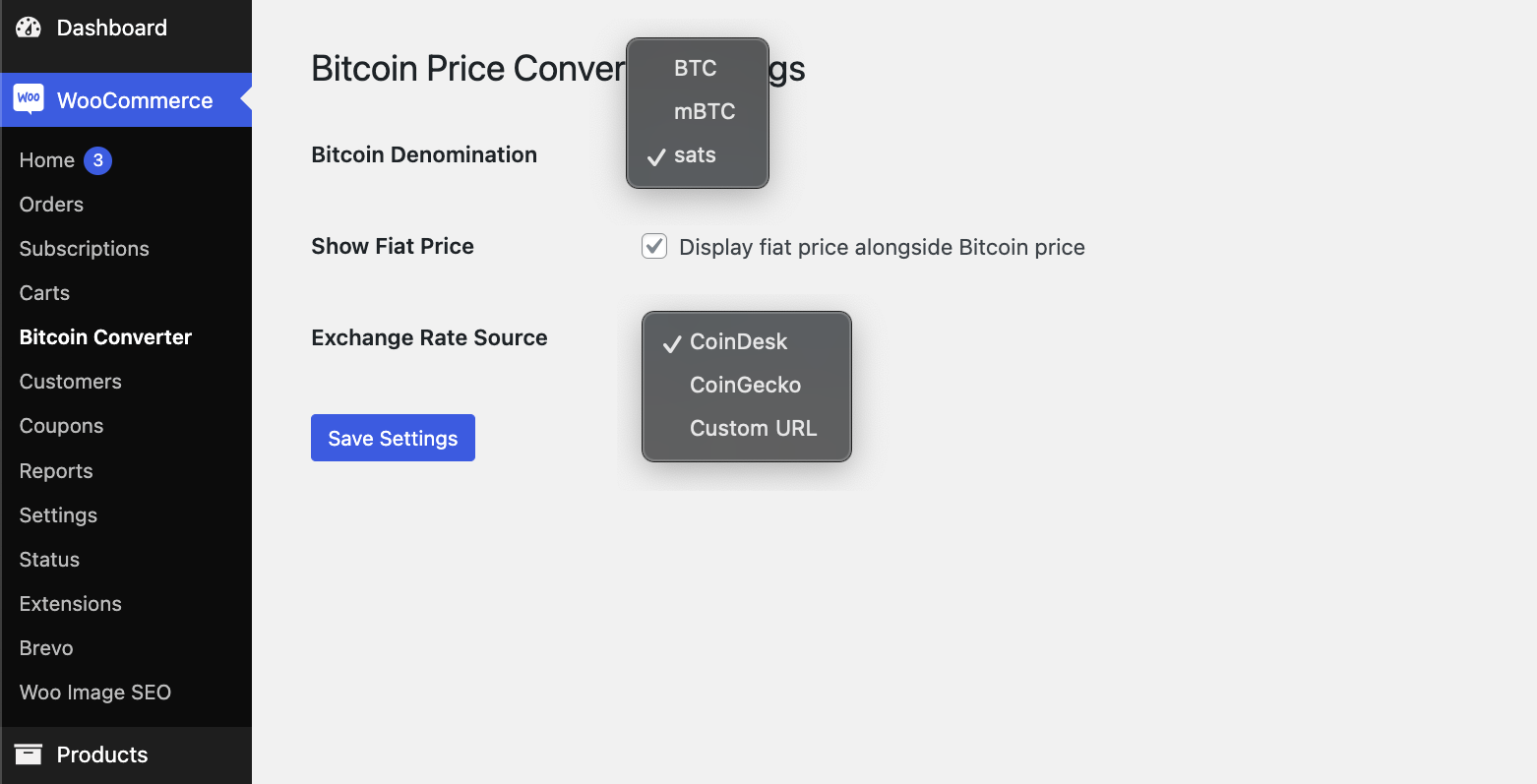
- Displays product prices in Bitcoin (BTC) or Satoshi.
- Uses Font Awesome icons for a better visual representation.
- Supports dynamic exchange rate fetching from CoinGecko API.
- Formats prices with comma separators for better readability.
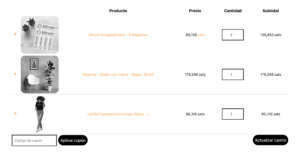
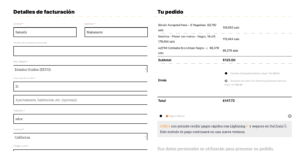
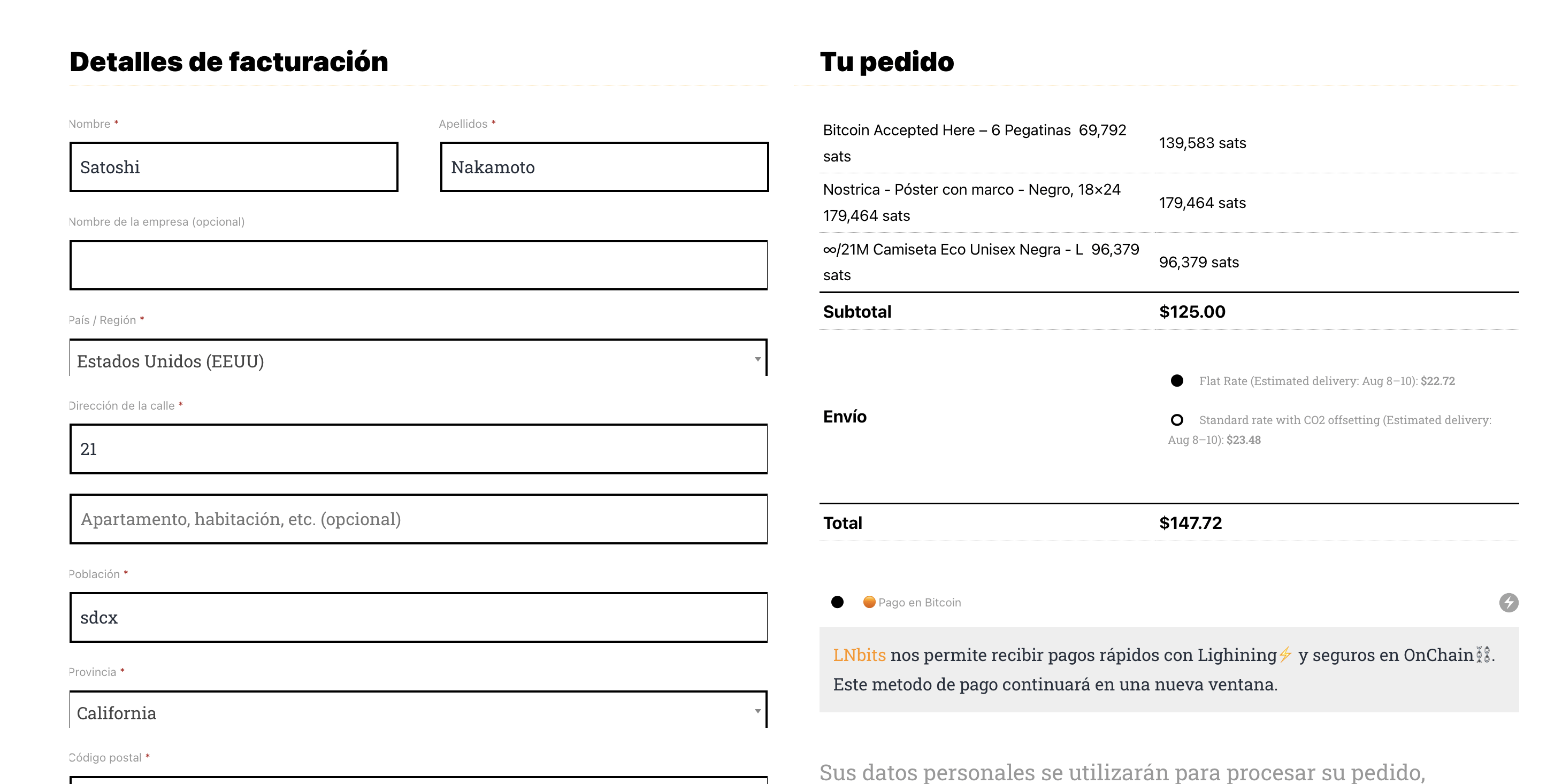
- Displays prices in satoshi on cart, checkout, and order pages.
Installation
-
Upload the Plugin:
- Download the plugin zip file from the releases page.
- Go to your WordPress admin dashboard.
- Navigate to
Plugins > Add New > Upload Plugin. - Choose the downloaded zip file and click
Install Now. - Activate the plugin.
-
Manual Installation:
- Download the plugin zip file from the releases page.
- Extract the zip file.
- Upload the extracted folder to the
wp-content/plugins/directory of your WordPress installation. - Go to your WordPress admin dashboard.
- Navigate to
Pluginsand activate theWooCommerce BTC Pricesplugin.
Usage
-
Activate the Plugin:
- Once installed, activate the
WooCommerce BTC Pricesplugin from the WordPress admin dashboard.
- Once installed, activate the
-
View Prices in BTC/Satoshi:
- After activation, product prices on your WooCommerce store will be displayed in Bitcoin (BTC) or Satoshi.
- Prices on the cart, checkout, and order pages will also be displayed in satoshi.
-
Customize the Exchange Rate:
- The plugin fetches the exchange rate from the CoinGecko API every hour. If you want to change the frequency or use a different API, you can modify the
woocommerce_btc_get_exchange_ratefunction in the plugin file.
- The plugin fetches the exchange rate from the CoinGecko API every hour. If you want to change the frequency or use a different API, you can modify the
Customization
-
Change the Font Awesome Icon:
- To change the Font Awesome icon, modify the
woocommerce_btc_currency_symbolfunction in the plugin file. Update the icon class as needed.
- To change the Font Awesome icon, modify the
-
Custom Exchange Rate API:
- If you want to use a different API for the exchange rate, modify the
woocommerce_btc_get_exchange_ratefunction to fetch data from your preferred API.
- If you want to use a different API for the exchange rate, modify the
-
Format Adjustments:
- You can adjust the price formatting by modifying the
wc_pricefunction calls in the plugin. Change thethousand_separator,decimal_separator, anddecimalsparameters as needed.
- You can adjust the price formatting by modifying the
Contributing
Contributions are welcome! Please feel free to submit pull requests or open issues for bugs, feature requests, or improvements.
- Fork the repository.
- Create a new branch:
git checkout -b simple. - Make your changes and commit them:
git commit -m 'Add some feature'. - Push to the branch:
git push origin feature-branch-name. - Submit a pull request.
License
This plugin is licensed under the GNU General Public License v2.0.
Support
For support, please open an issue on the GitHub issues page.
Donations
If you appreciate the work we put into developing and maintaining this plugin, you can support us:
- Bitcoin donations: https://VEINTIUNO.btc.pub/participa/#patrocinador
- Geyser Fund: https://geyser.fund/project/bitcoinpriceconverterwordpressplugin
Registro de Cambios:
- 1.2: Versión simplificada 🙂
- 1.1.5: Corregido error de «División por cero» ya que get_bitcoin_exchange_rate() estába devolviendo falso o 0.
- 1.1.1: Corregido el cálculo del precio total en Bitcoin en la página de pago.
- 1.1.0: Agregada la opción de establecer Bitcoin como la unidad de cuenta para productos individuales.
- 1.0.12 a 1.0.99: Varios arreglos de errores, mejoras en la interfaz de usuario y funcionalidades.
- 1.0.0: Versión inicial del Convertidor de Precio de Bitcoin.